
Complete enquiry pipeline
Keep enquiry details, stages, travel dates, travellers and activities in one connected view.
Sales & queriesMeet Travel Workspace — a modern mobile companion for travel agencies, tour operators and DMC teams. Move from first enquiry to a polished itinerary, follow-up and payment visibility without losing context.
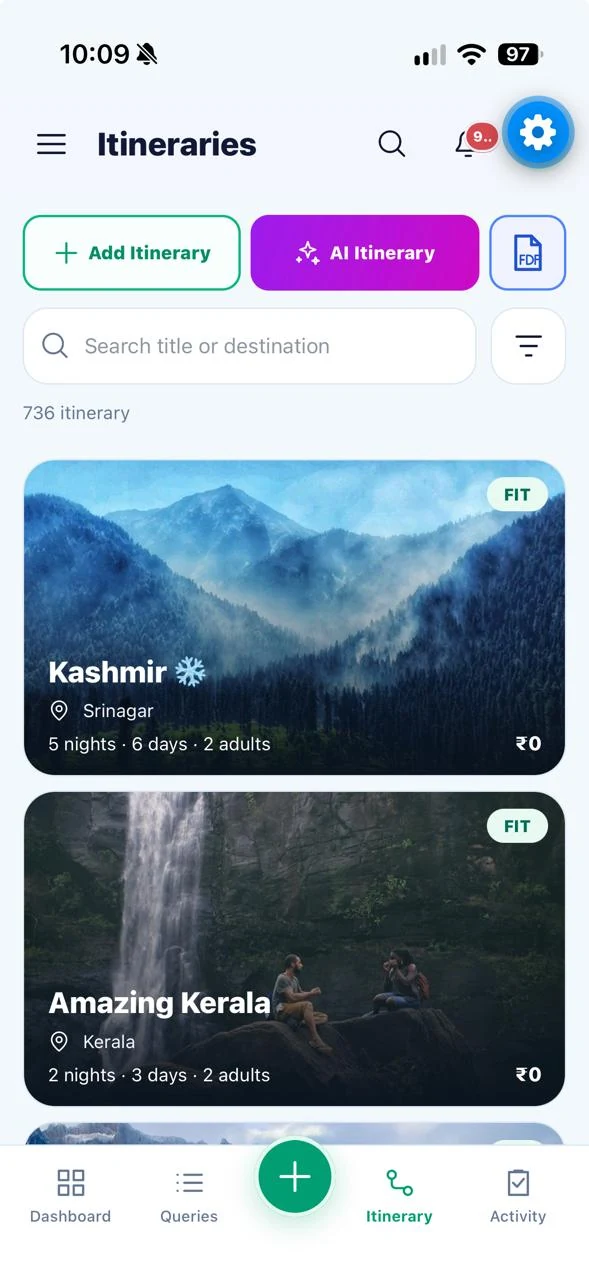
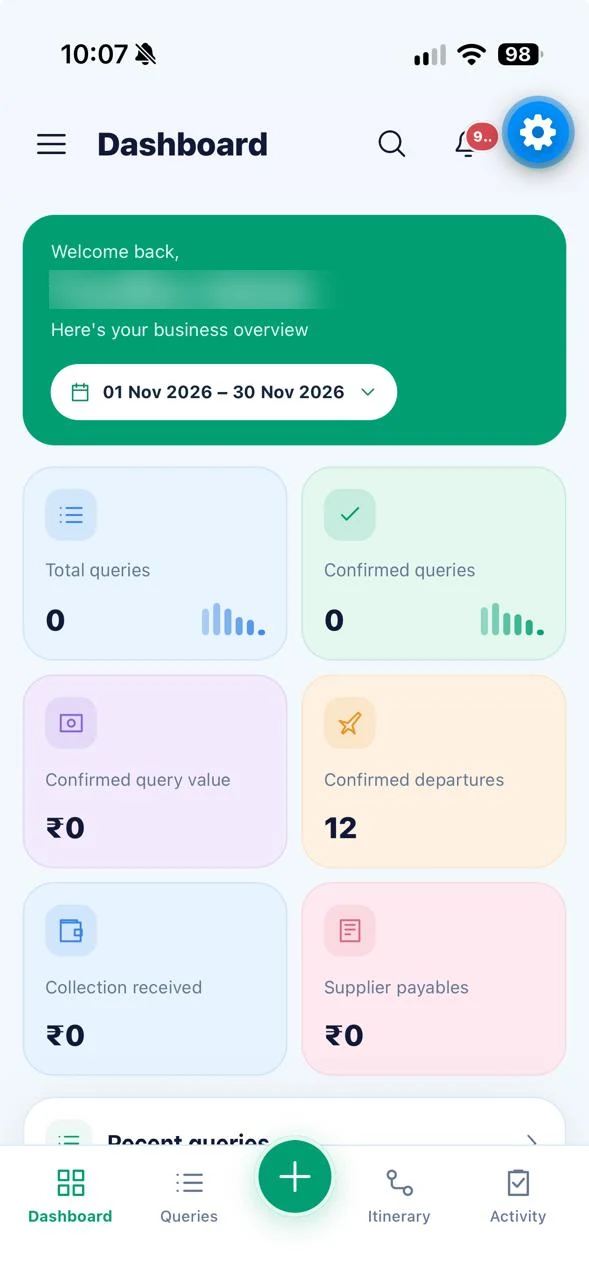
Travel Workspace brings sales activity, itinerary preparation, service details and customer communication into a mobile-first workflow. Team members stay focused on their role while connected organization data is available where authorized.
See the complete feature directoryExplore the connected modules that bring day-to-day work together.
Keep enquiry details, stages, travel dates, travellers and activities in one connected view.
Sales & queriesTurn client notes into an editable plan, then enrich it with day-wise services and destination images.
Planning & proposalsView client collections and supplier commitments alongside the trips they belong to.
Payments & suppliersWork with WhatsApp and email communications and share trip documents through supported integrations.
CommunicationCreate a clear day-by-day journey with accommodation, flights, tours and transfers, then review the itinerary using your organization’s configured template.
Template availability and sharing actions depend on your connected organization configuration.
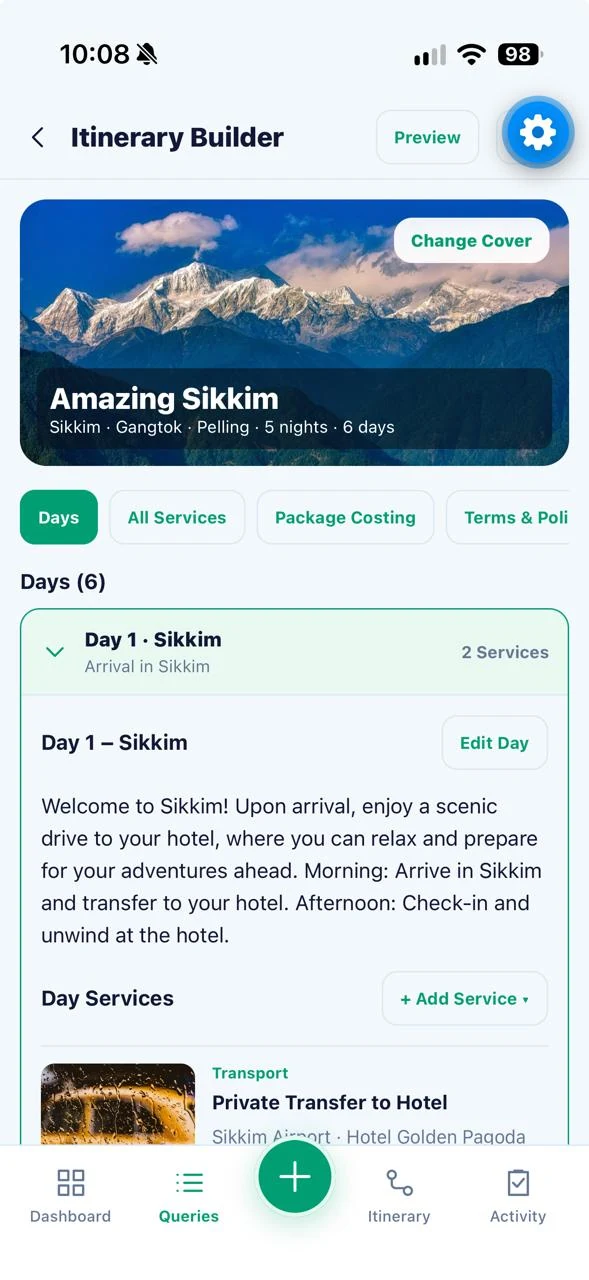
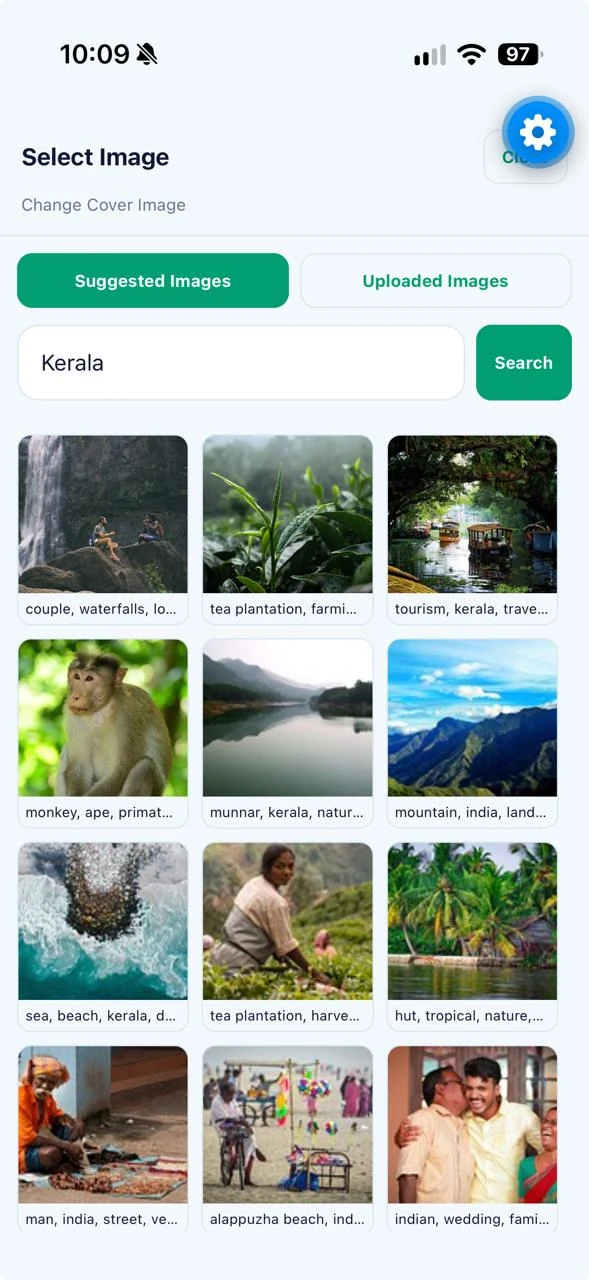
Explore 10 actual iPhone app screens. Tap a screen to enlarge it, swipe to see more, or open the original image. Customer and account identifiers have been obscured for public display.
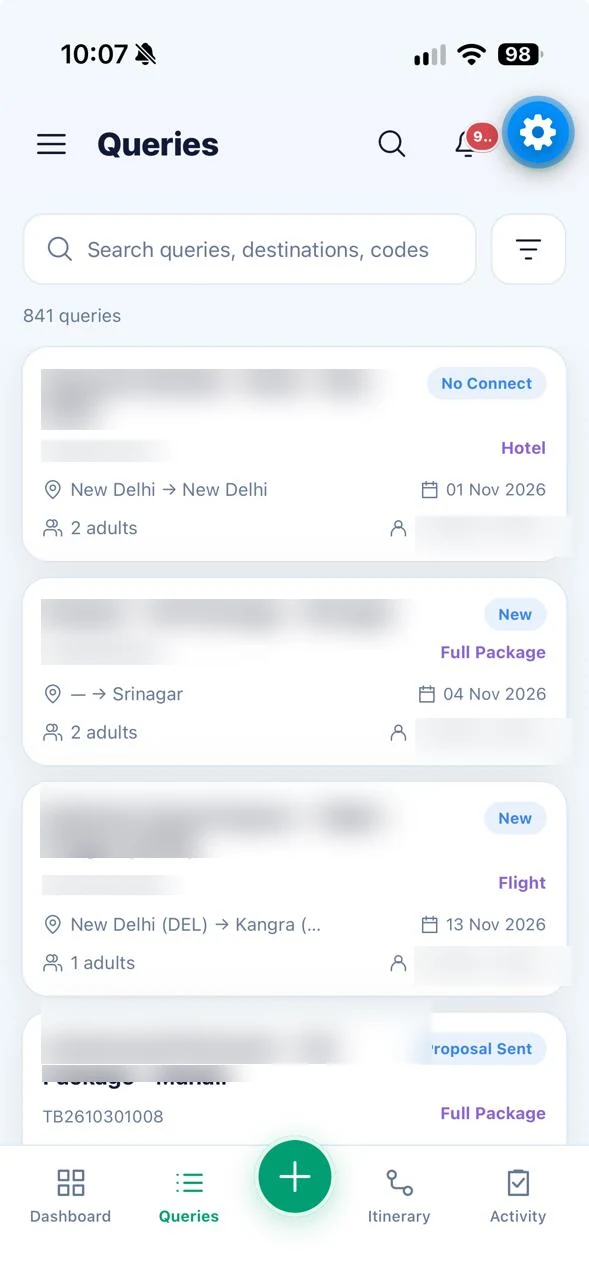
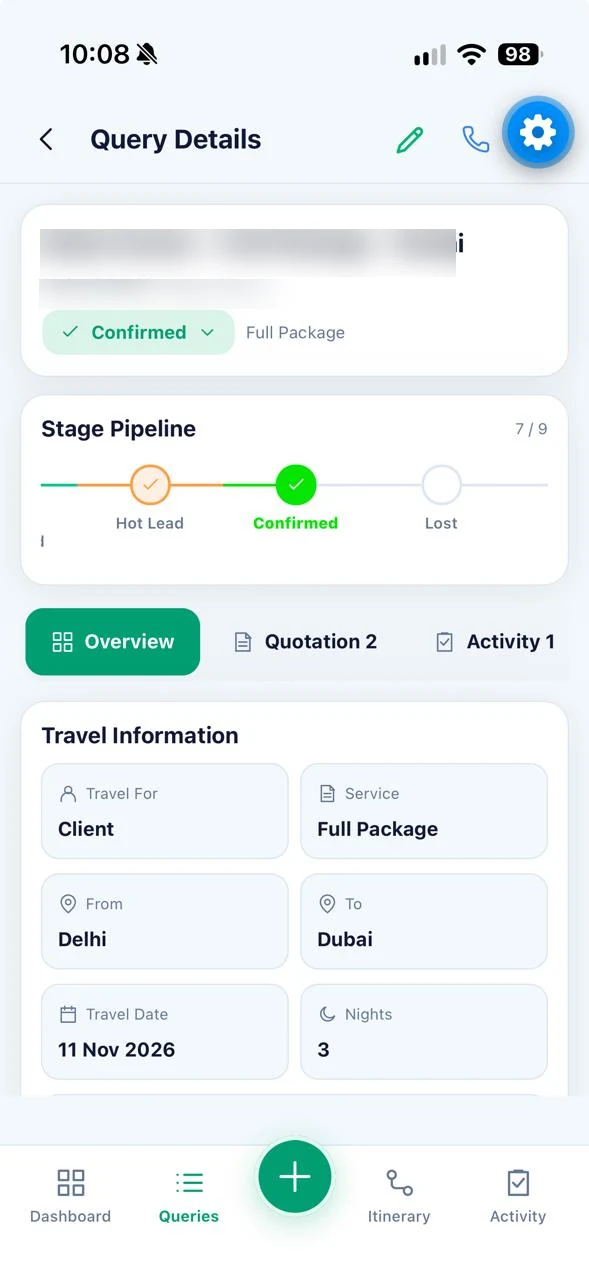
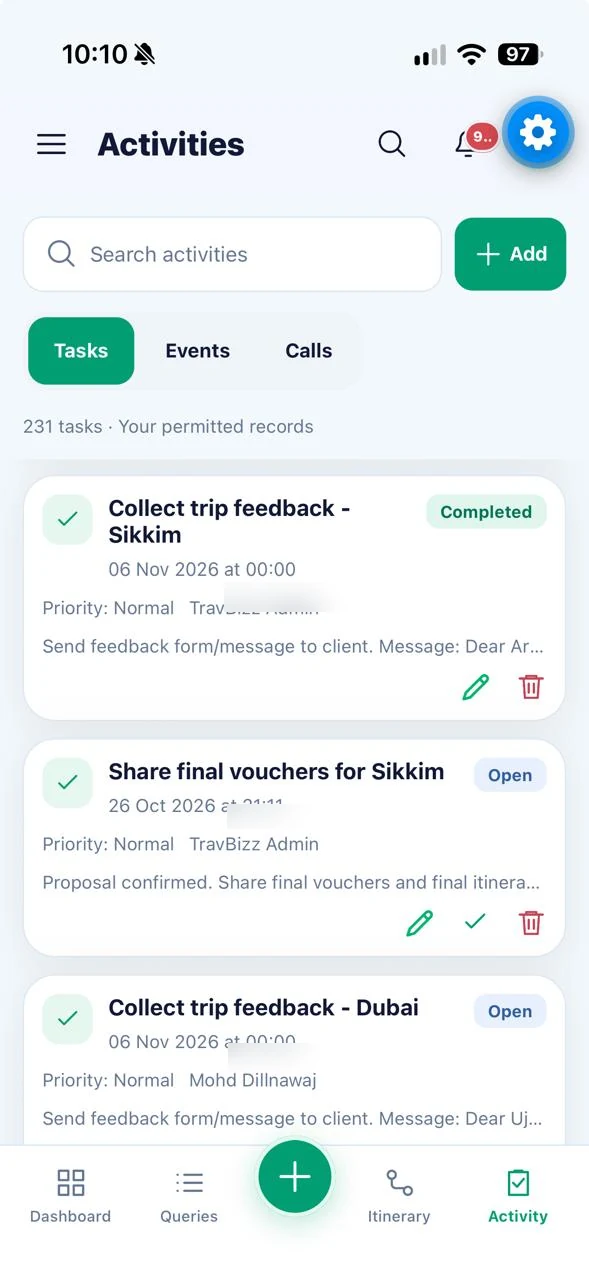
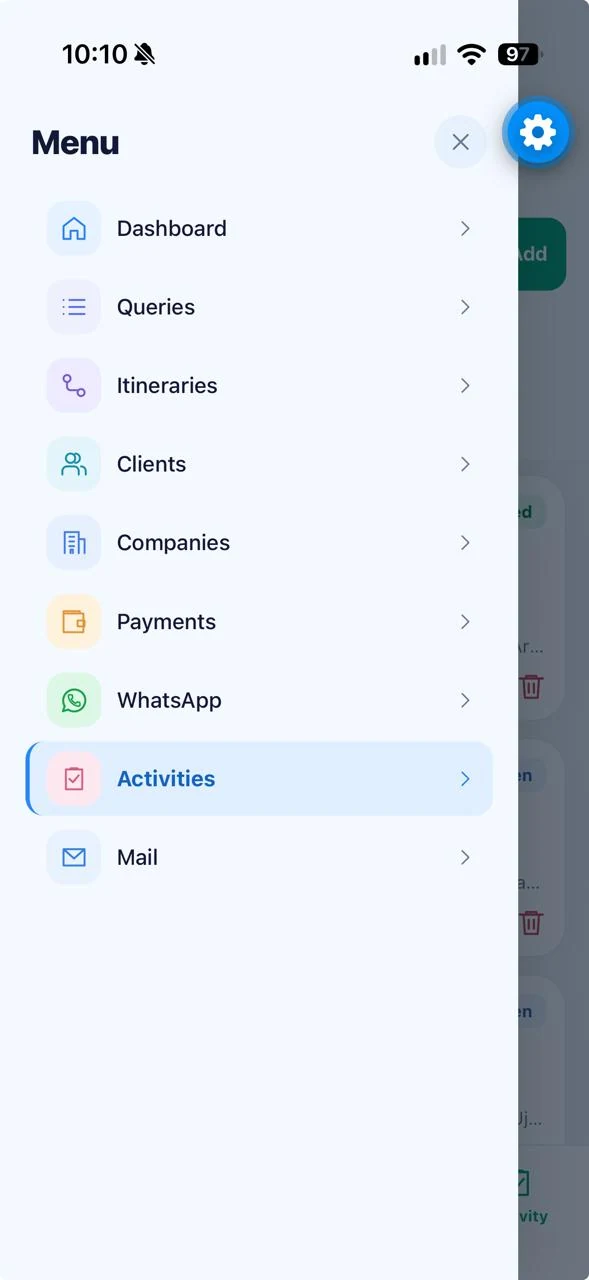
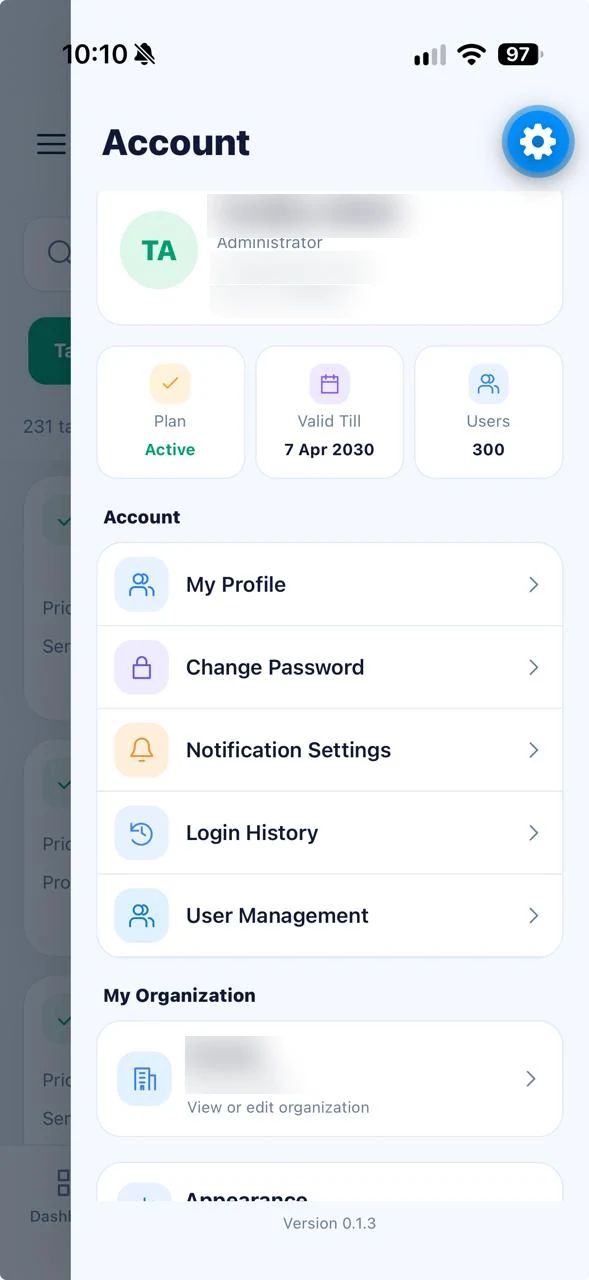
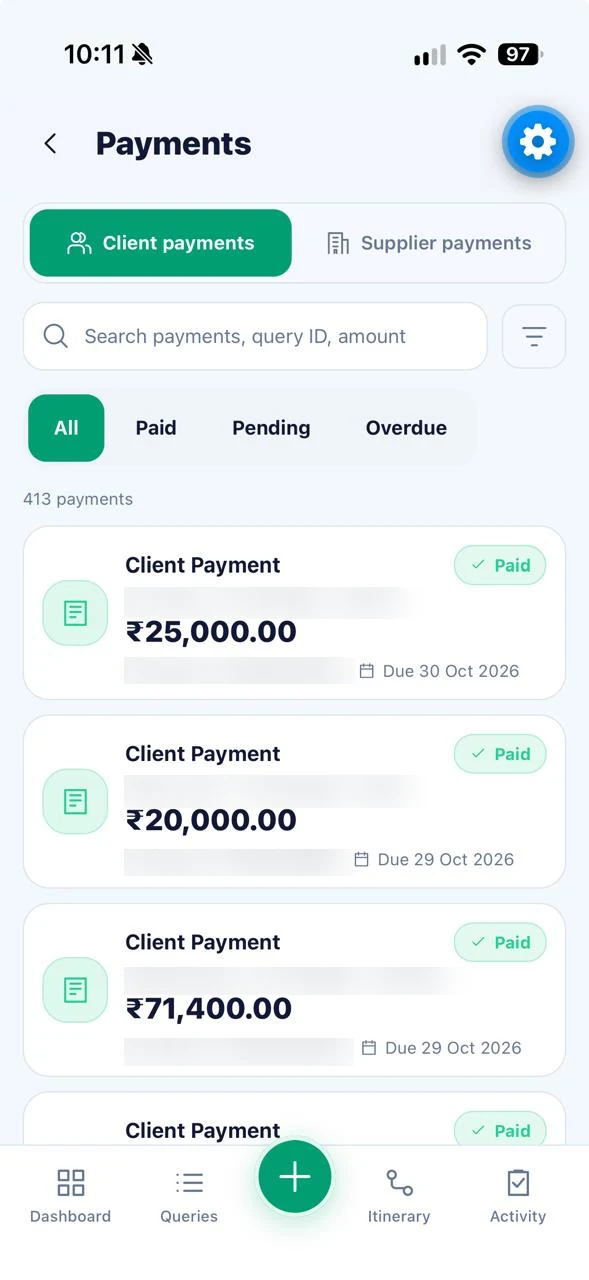
Swipe to explore more screenshots · Tap to enlarge
Go beyond the essentials with specialized tools for the whole journey.
See an at-a-glance overview of queries, important activity, follow-ups and operational work.
Create, browse, search and update travel enquiries with destinations, travel dates, guests and assigned owners.
Follow each enquiry through its sales stages, check its history and coordinate the next action.
Keep client profiles, contact details, related enquiries, files and activity history accessible.
Work with organization contacts and company records alongside their travel enquiries.
Build service estimates and proposals as part of the enquiry and itinerary workflow.
Turn trip requirements, destination plans and client notes into a suggested day-wise itinerary to review and refine.
Arrange days, add services and details, select destination imagery and preview a client-ready itinerary.
Add and edit flight and hotel details, including schedules, stays, room information and associated quotations.
Plan transfers, transport, rail, buses, ferries, cruises, visas, sightseeing, guides, meals, insurance and other services.
Maintain traveller and passenger information linked to relevant queries and trip services.
Produce itinerary documents using the connected system’s selected templates and sharing workflow.
Review client payment records and related financial details in the travel workflow.
Keep supplier payment information and outstanding travel-related commitments visible.
Manage calls, tasks, notes and other follow-up actions associated with customers and enquiries.
Schedule and review time-based follow-ups so important actions are easier to track.
Upload, view and share relevant documents against customer and enquiry records.
Review dated interactions and updates in context instead of working from scattered messages.
Access connected conversations and share itinerary PDF or trip text using available sharing actions.
Work with connected mail conversations and send itinerary PDFs where organization email integration is configured.
Send proposals and travel information directly into the communication flow.
Review important workspace alerts and updates from a central notification area.
Authorized administrators can manage team access and user status based on permissions.
View available account access history and related administration details.
Access organization-level preferences and configuration according to your role.
Switch between light and dark appearance for comfortable day-to-day use.
Some features are restricted to authorized roles or require enabled modules and connected services. Availability depends on organization setup.
A consistent, phone-friendly interface keeps the essentials close, while the connected organization account remains the source of your business records.
Light and dark mode with mobile-first inputs and intuitive navigation.
Administrator-only functions and team-specific records stay behind appropriate permissions.
Updates work with your organization’s configured travel system instead of isolated mobile records.
See how Travel Workspace can fit your enquiries, trips, team and customer communication workflow.