Travel CRM for Small Travel Agencies: What You Need Before You Grow
A practical guide for small travel agencies choosing a CRM to manage enquiries, follow-ups, quotations, itineraries, payments and team growth without unnecessary complexity.
Why a small travel agency needs structure early
A small agency can run surprisingly well with WhatsApp, email and a spreadsheet when one person remembers every customer. The problem appears when enquiries increase, more team members join or the owner is no longer personally following every lead. Information starts living in separate chats, sheets and notebooks, and the business becomes dependent on memory.
A travel CRM gives the agency one place to record the enquiry, customer requirement, follow-up plan, quotation history and booking progress. The value is not that the software looks sophisticated; the value is that the same process is followed for every lead, even when the team is busy.
Start with the daily workflow, not a long feature list
Small teams do not need every enterprise feature on day one. They need the tasks that happen every day to become easier: capture a lead, assign it, call the customer, schedule the next follow-up, prepare a quotation, record the result and know which enquiries need attention today.
Before choosing software, write down how an enquiry currently moves from first contact to confirmation. A CRM should reduce steps in that process. If employees have to keep the CRM open while still maintaining the same Excel sheets separately, the setup has not solved the real problem.
- Quick enquiry capture with destination and dates
- Clear ownership for every lead
- Follow-up reminders and activity history
- Simple status and pipeline visibility
- Quotation and itinerary access
- Payment and document tracking
Follow-ups are usually the first place to improve
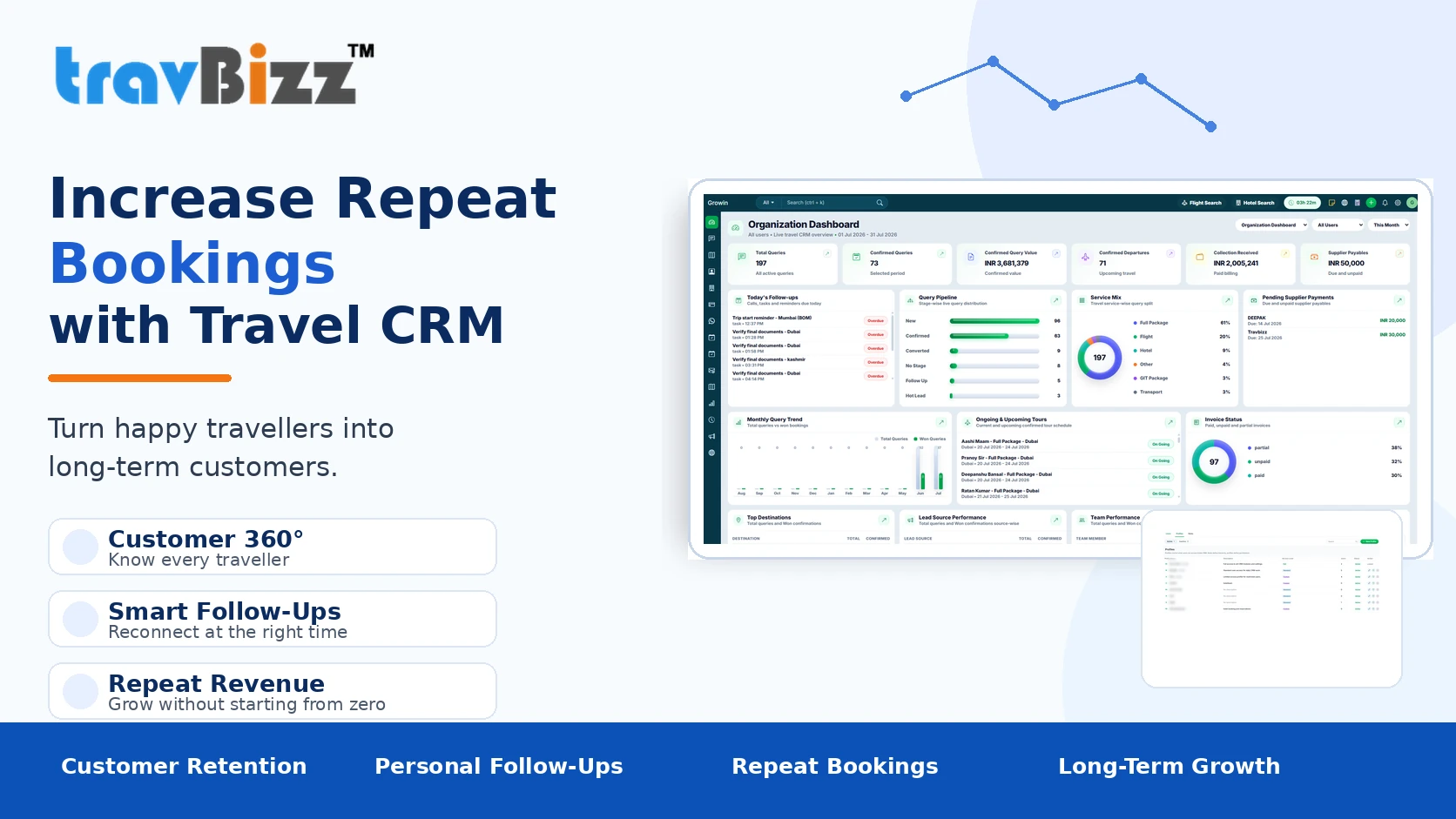
For many small travel agencies, the biggest revenue leak is not a lack of enquiries; it is inconsistent follow-up. A salesperson sends a quotation, gets busy with new leads and remembers the customer two days later. By then the traveller may already be speaking to another agency.
A CRM should make the next action visible. Every open enquiry should have an owner, a status and a next follow-up date. Managers should be able to see overdue activities without asking each salesperson for an update. That discipline can be more valuable than adding another marketing channel.
Travel-specific data matters more than generic contact management
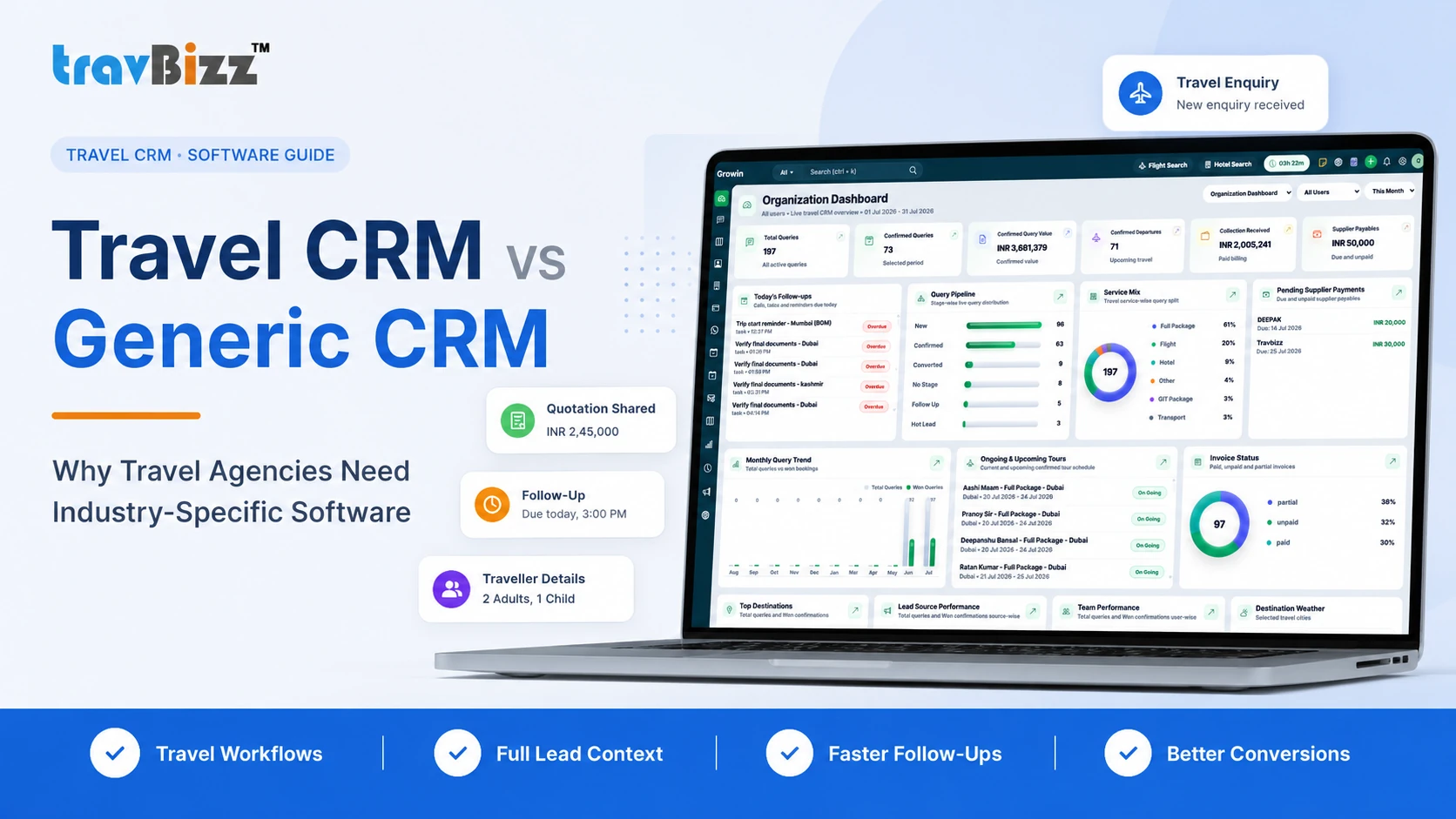
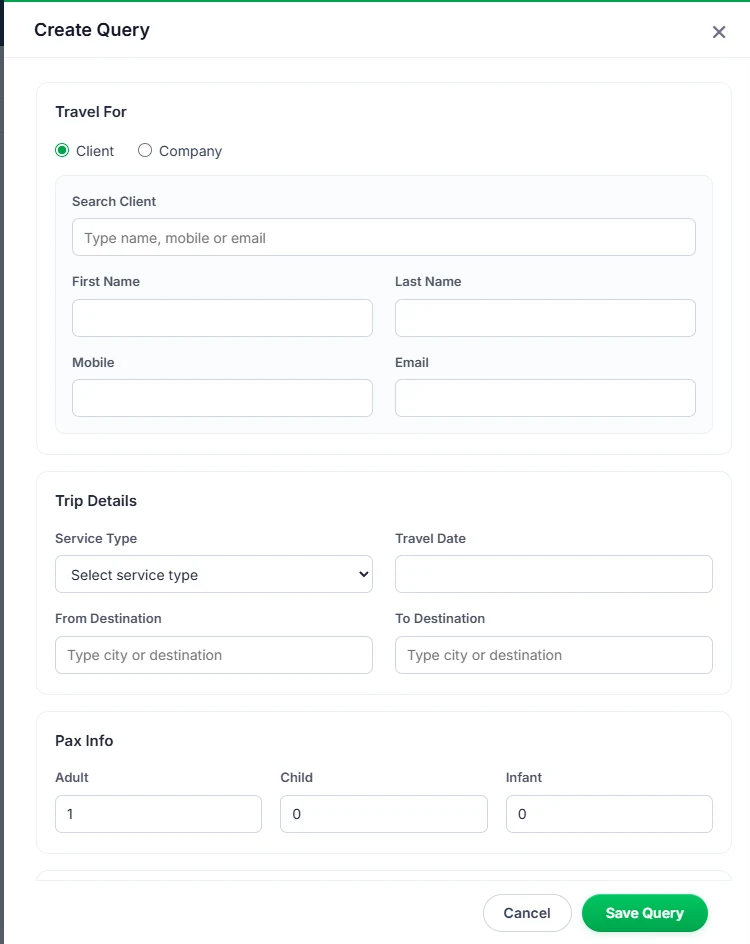
Generic CRMs are good at storing names, companies and sales stages, but travel enquiries carry additional information: destination, departure city, travel dates, adults and children, hotel preferences, budget, itinerary versions and supplier services. Re-entering this data across different tools increases mistakes and slows quotation turnaround.
A travel-specific CRM can keep these details connected with the enquiry and itinerary workflow. This becomes more important when sales, operations and accounts are handled by different people, because each team can work from the same customer record instead of asking for information again.
Choose software that can grow with the agency
A small team may begin with two or three users, but the system should not become a limitation when the business adds branches, salespeople or specialised operations staff. Look for user roles, permissions, reporting and a workflow that remains understandable as the team expands.
Also check whether customer, enquiry and operational data can be exported in standard formats. Business information should remain accessible, and the agency should not feel locked into a process that cannot adapt as requirements change.
How to evaluate a travel CRM before buying
Do not judge a CRM only from screenshots or a feature checklist. Ask for a live demonstration using a realistic enquiry from your own business. Create the lead, schedule a follow-up, build a quotation, add notes, confirm an option, record a payment and view the relevant report. This reveals whether the workflow is practical for the team.
Pay attention to onboarding and support as well. For a small agency, adoption is critical. A simpler system that the team uses every day is more valuable than a large system with dozens of modules that employees avoid.
- Test with a real travel enquiry
- Check mobile usability
- Ask how Excel data can be imported
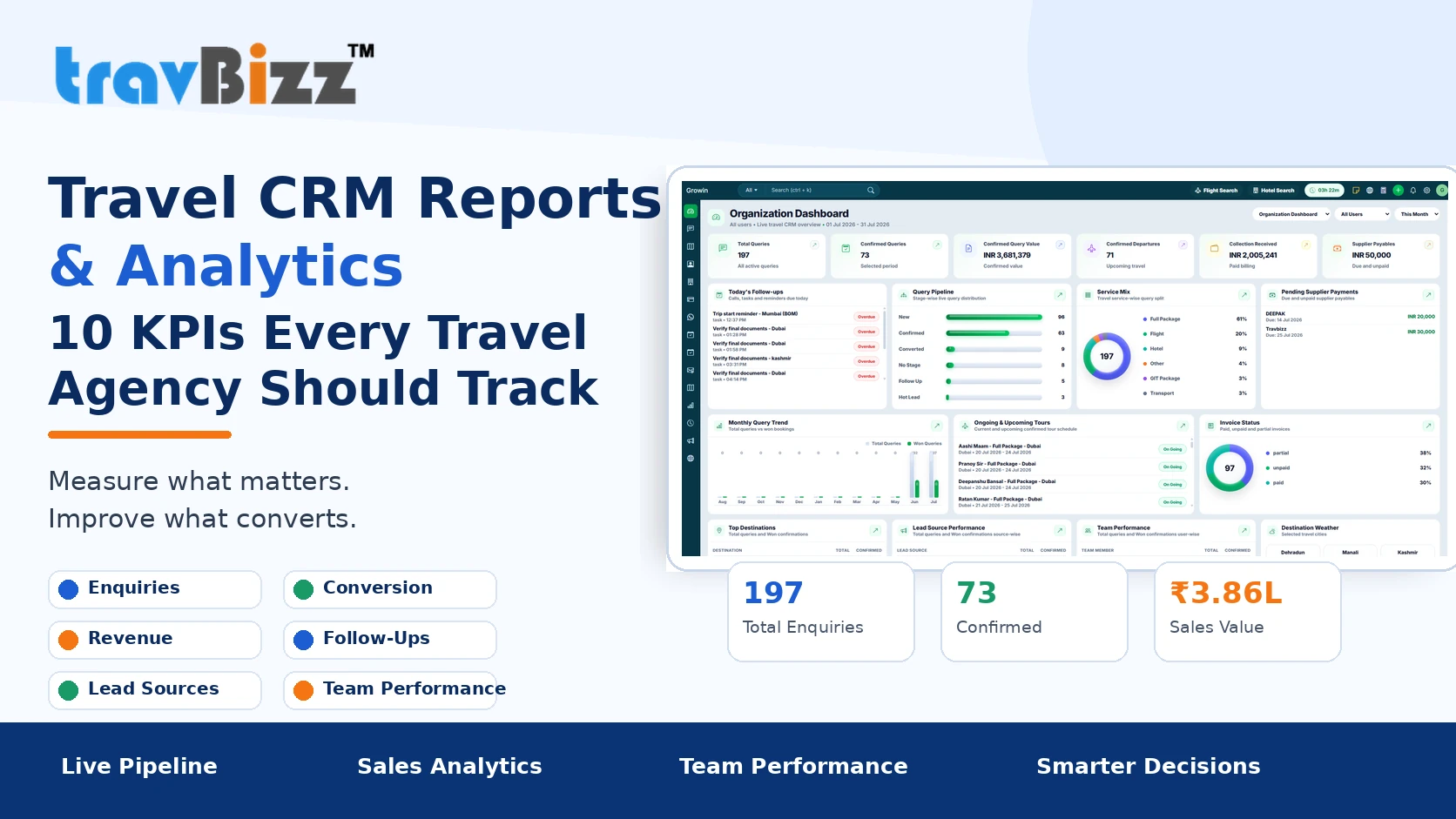
- Review user permissions and reports
- Confirm onboarding and support
- Understand pricing as users grow
When should you move from Excel to a CRM?
There is no fixed number of leads at which every agency must switch. The better signal is operational friction. If follow-ups are being missed, multiple spreadsheet versions exist, managers cannot see the live pipeline, quotations are difficult to track or customer history depends on one employee, the business has outgrown its current method.
Moving earlier is usually easier because there is less historical data to clean and fewer habits to change. Start with active enquiries and a simple agreed workflow, then add more modules only when the team is comfortable with the basics.
Put these ideas into practice with TravBizz
Connect your sales, itinerary, operations and customer workflows with travel technology designed for agencies.
Frequently asked questions
Is a CRM worth it for a two-person travel agency?
It can be, especially when both people handle enquiries and follow-ups. The benefit is having one customer history and one clear next action instead of separate notes and spreadsheets.
Should a small agency use a generic CRM or travel CRM?
A generic CRM may be enough for basic contact and follow-up management. A travel CRM becomes more useful when you need destination, passenger, itinerary, supplier, quotation and payment workflows in one system.
Can existing Excel leads be moved into a CRM?
Usually yes, after the spreadsheet is cleaned and mapped to the fields supported by the CRM. Import useful, accurate data rather than carrying old duplicates into the new system.
What should a small travel agency implement first?
Start with enquiry capture, ownership, status and follow-up reminders. Once the team uses those consistently, connect quotation, itinerary, payment and reporting workflows.