Travel CRM vs Excel: Which Is Better for Travel Agencies?
Understand where spreadsheets work, where they fail, and when a growing travel agency should move to a dedicated CRM.
Why agencies start with spreadsheets
Excel is familiar, inexpensive and flexible. A new agency can create a basic enquiry sheet in minutes and customise columns without technical help. For a small number of leads handled by one person, this can work.
Problems begin when several team members update different versions, follow-ups are missed, customer history is scattered and managers cannot trust the numbers in reports.
Where Excel becomes difficult
A spreadsheet stores rows, but it does not manage a process. It cannot reliably remind the right salesperson, maintain a complete activity timeline, control access by role or connect a quotation to supplier costs and payments without considerable manual work.
- Duplicate enquiries and inconsistent data
- No automatic ownership or follow-up reminders
- Limited communication history
- Difficult permission control
- Manual reporting and conversion tracking
- No connected itinerary and billing workflow
What a travel CRM changes
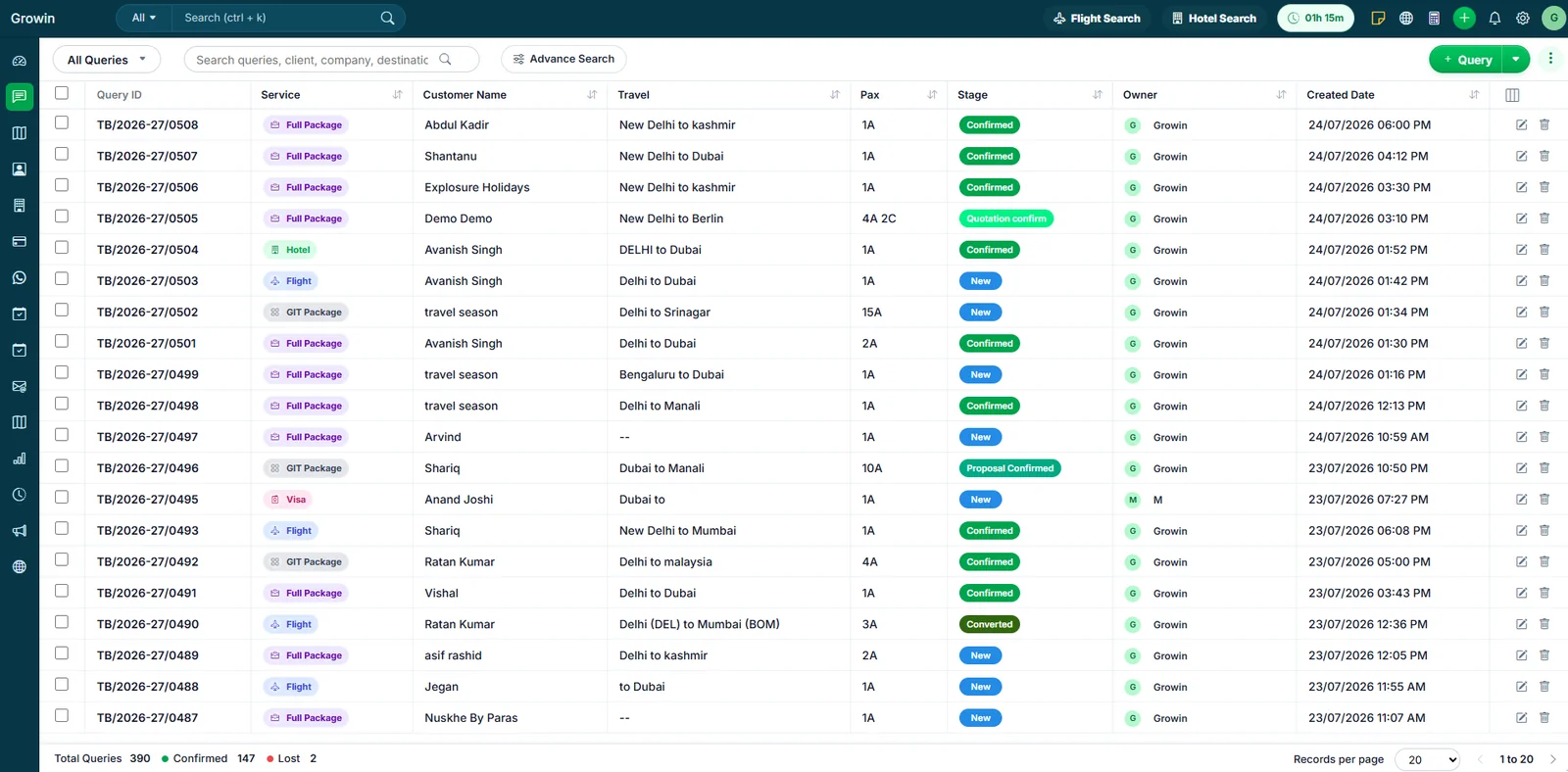
A travel CRM turns each enquiry into a structured record. The salesperson can schedule follow-ups, add notes, upload documents, generate itinerary options and share updates with operations and accounts teams.
Managers see live pipeline data instead of collecting sheets from every employee. The system also creates accountability because activities and status changes are recorded against users and dates.
When should you move?
Move before spreadsheet problems start affecting customer experience. Common warning signs include missed callbacks, duplicate quotations, difficulty tracking payments, unclear lead ownership, too much time spent preparing reports and dependence on one employee who understands the master sheet.
A phased migration is usually safest: clean active leads, standardise status names, import essential customer data and train the team on one workflow at a time.
Put these ideas into practice with TravBizz
Connect your sales, itinerary, operations and customer workflows with travel technology designed for agencies.
Frequently asked questions
Can Excel and CRM be used together?
Yes during migration, but long-term parallel use usually creates duplicate data. The CRM should become the primary source of truth.
Is CRM difficult for a small team?
A focused travel CRM can be simple when unnecessary modules are hidden and the team is trained on its daily tasks.
Will historical Excel data be lost?
No. Clean customer and enquiry data can normally be imported, subject to the fields and import format supported by the CRM.